


3D Viewer Block – Bring Your Products to Life with Interactive 3D
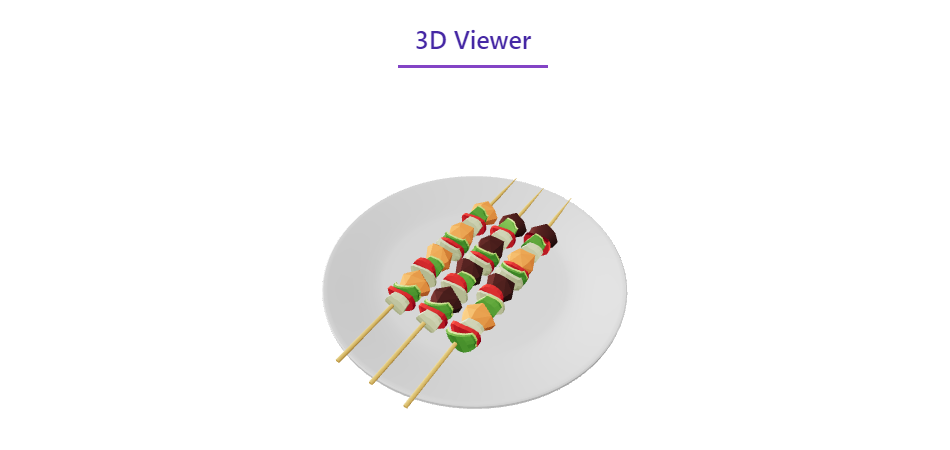
3D Viewer
Give visitors a product they can rotate, zoom, and explore – add interactive 3D models to any post or page straight from the Gutenberg editor.
Why 3D Viewer Block?
Static images only show one angle. 3D Viewer Block adds a native Gutenberg block that lets you embed interactive 3D models in posts, pages, and widget areas – visitors can orbit, pan, and zoom with a mouse or touchscreen for an engaging, immersive viewing experience.
Upload models in popular formats including GLB, GLTF, OBJ, and STL, then fine-tune the appearance with settings such as lighting, background color, and camera controls – all from the block editor’s sidebar. The intuitive block interface keeps it simple: insert the block, upload your model, adjust the settings, and publish.
The viewer is optimized for mobile devices with full touch support, and it’s compatible with WooCommerce, so you can showcase 3D models of your products in a stunning, engaging way.
Free Features
- Native Gutenberg Block: Add 3D models to posts, pages, and widget areas in a few clicks.
- Popular 3D Formats: Upload GLB, GLTF, OBJ, and STL model files.
- Mouse & Touch Controls: Orbit, pan, and zoom on desktop and mobile.
- Fully Responsive: Works great on any device and screen size.
- External Source: Load models from other cloud storage.
- Customizable Viewer: Adjust lighting, background color, and camera controls from the block sidebar.
- WooCommerce Compatible: Showcase 3D models of your products.
How to Use
- Install and activate the 3D Viewer Block plugin.
- In the Gutenberg editor, add the 3D Viewer block from the “Widgets” block category.
- Upload your 3D model or use an external source.
- Adjust the block settings from the right-side settings sidebar.
- Publish – your interactive 3D model is live!
Use Cases
- E-commerce Stores: Display products in 3D so shoppers can inspect every angle.
- Creative Designers & Agencies: Present design work interactively.
- Trainers & Course Creators: Embed 3D visuals in learning content.
- Web Designers & Developers: Add engaging 3D elements to client sites.
- Real Estate: Showcase properties and models interactively.
Did you like this plugin? Dislike it? Do you have a feature request? Please share your feedback with us
Check out the Parent Plugin of this plugin-
B Blocks – A blocks collection and page building tool for Gutenberg.
Check out our other WordPress Plugins-
Html5 Video Player – Display videos as single and playlist in multiple skins.
PDF Poster – Display/Embed PDF files with different styles.
Html5 Audio Player – Listen audios with awesome visuals.
StreamCast – Customizable radio player with different skins.
3D Viewer – Embed 3D models and 3D products with interaction.
Advanced Post Block – Show posts and custom posts in different layouts.