
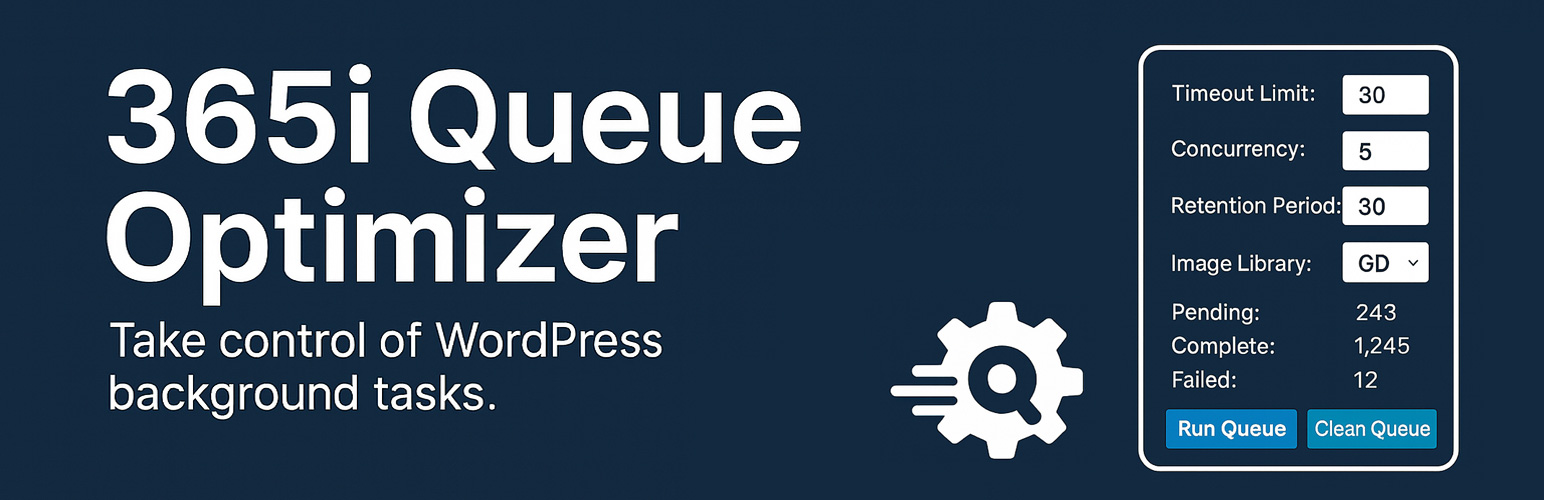

365i Queue Optimizer

<strong>Settings Page</strong> - Configuration interface with server type selection, optimization settings, and recommended values based on your hosting environment
365i Queue Optimizer is an ultra-lightweight WordPress plugin designed to optimize ActionScheduler performance for faster image processing and background task execution. It automatically detects your server environment and recommends optimal settings. Perfect for sites using image optimization plugins, WooCommerce, or any plugin that relies on ActionScheduler.
What This Plugin Does
This plugin applies essential ActionScheduler optimizations with intelligent server detection:
- Time Limit Control – Sets how long ActionScheduler processes tasks (default: 60 seconds, configurable 10-300)
- Concurrent Batch Processing – Controls simultaneous background processes (default: 4 batches, configurable 1-10)
- Batch Size Control – Sets how many actions to process per batch (default: 50, configurable 25-200)
- Data Retention – Controls how long completed action logs are kept (default: 7 days, configurable 1-30)
- Image Processing Engine – Prioritizes your chosen image processor (ImageMagick by default, GD fallback)
Key Features
- Dashboard Widget – At-a-glance queue status on your WordPress dashboard with health indicators
- Server Detection – Automatically detects your hosting type (Shared, VPS, Dedicated) and recommends optimal settings
- One-Click Optimization – Apply recommended settings instantly based on your server environment
- Run Queue Now – Manually trigger queue processing when you need immediate results
- Ultra-Lightweight – Minimal server impact with no complex logging or debugging overhead
- Simple Configuration – Clean settings page under Tools > Queue Optimizer
- Instant Results – Optimizations apply automatically after activation
- WordPress Standards – Follows all WordPress coding and security standards
- ImageMagick-First Defaults – Prefers ImageMagick for better quality and stability when available
Perfect For
- Image Optimization – Faster processing with Elementor Image Optimizer, Smush, ShortPixel, etc.
- WooCommerce Sites – Better handling of product imports, order processing, and bulk operations
- High-Volume Sites – Improved performance for sites with large background task queues
- Plugin Compatibility – Works with any plugin that uses ActionScheduler
Philosophy
Simple, fast, and effective. This plugin does one thing well: optimize ActionScheduler performance with minimal overhead and maximum compatibility.
Usage
Dashboard Widget
The Queue Optimizer dashboard widget appears on your WordPress admin dashboard and shows:
- Health Status – Overall queue health (Healthy, Backlog, or Needs Attention)
- Pending Actions – Number of actions waiting to be processed
- Running Actions – Actions currently being processed
- Failed Actions – Actions that failed in the last 24 hours
- Run Queue Button – Manually trigger queue processing
Settings Configuration
Time Limit (10-300 seconds)
Controls how long ActionScheduler processes tasks in each batch. Recommended values:
* Shared hosting: 30 seconds
* VPS/Managed: 60 seconds
* Dedicated/High: 120 seconds
Concurrent Batches (1-10 batches)
Determines how many background processes run simultaneously. Recommended values:
* Shared hosting: 2 batches
* VPS/Managed: 4 batches
* Dedicated/High: 8 batches
Batch Size (25-200 actions)
Sets how many actions are processed in each batch. Recommended values:
* Shared hosting: 25 actions
* VPS/Managed: 50 actions
* Dedicated/High: 100 actions
Data Retention (1-30 days)
Controls how long completed action logs are stored. Lower values reduce database size. Recommended values:
* Shared hosting: 3 days
* VPS/Managed: 7 days
* Dedicated/High: 14 days
Image Processing Engine (ImageMagick or GD)
Prioritizes your chosen image processing library. ImageMagick is preferred for quality and stability.
Server Environment
The settings page displays your server environment including:
* Detected hosting type (Shared, VPS, Dedicated)
* PHP version and memory limit
* WordPress version
* Max execution time
* ImageMagick and GD availability
* WebP and AVIF support
Queue Status
Monitor your ActionScheduler queue with real-time stats:
* Pending actions count with breakdown by hook type
* Currently running actions
* Failed actions in the last 24 hours
* Quick link to view all actions in ActionScheduler
Support
For detailed documentation and usage examples, see the complete plugin guide.
For support and WordPress hosting solutions optimized for performance, visit 365i WordPress Hosting.
Professional WordPress hosting with ActionScheduler optimization built-in.